Photo editing transforms raw images into polished masterpieces. Selecting the right software depends on skill level, editing needs, and budget. Free and paid options offer diverse features to suit every user.
Free Photo Editing Software
GIMP delivers professional-grade tools with open-source accessibility. Supports layers, masks, filters, and scripting. Compatible with Windows, macOS, and Linux.
Darktable targets photographers seeking RAW processing and non-destructive editing. Includes advanced controls like tone mapping, color zones, and sharpening. Ideal for users valuing transparency and depth in edits.
Snapseed offers mobile-friendly editing with 29 tools and a history stack system. Features include healing, curves, selective adjustments, and portrait relighting. Great for on-the-go editing with intuitive controls.
PhotoScape X combines user-friendliness with powerful RAW support. Batch editing, lens correction, and creative filters enhance workflows. Free version available with optional paid upgrade for curves and advanced features.
Paid Photo Editing Software
Adobe Lightroom is popular among professionals for photo management and editing. Powerful batch processing, advanced color grading, and AI-enhanced retouching ensure smooth workflows.
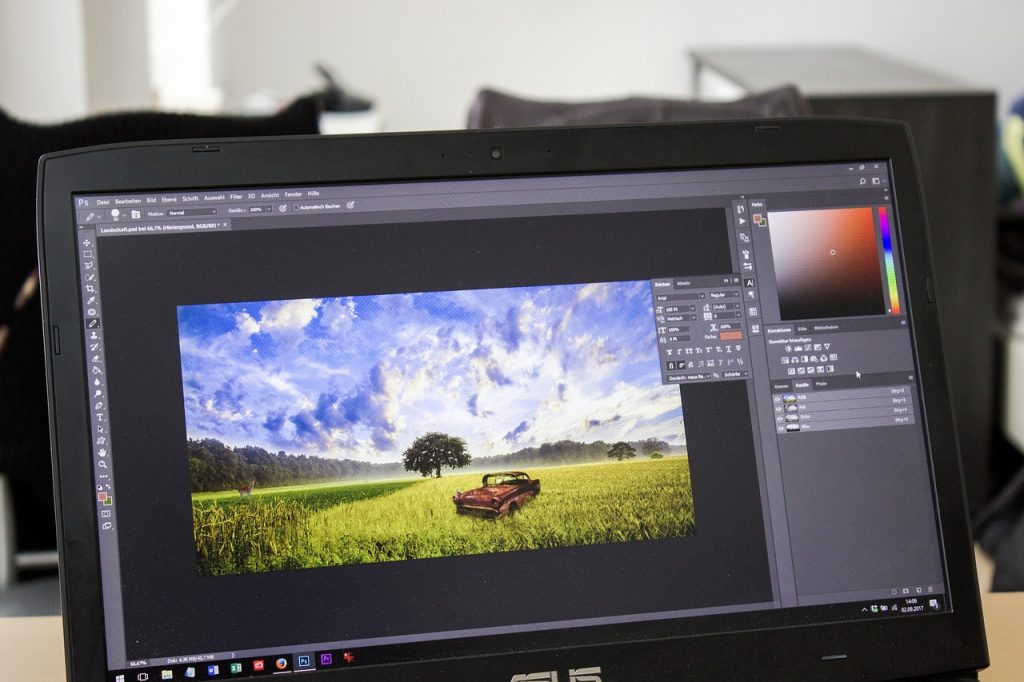
Photoshop remains the industry standard for detailed image manipulation. Layer-based editing, content-aware tools, and extensive plugins suit creative pros.
Luminar Neo emphasizes AI features like sky replacement, crowd removal, and relighting. Its modular architecture supports extensions for specialized editing needs.
Affinity Photo offers comprehensive features for a one-time payment. Supports PSD files, RAW processing, HDR merge, and panorama stitching.
Capture One caters to professional studios requiring robust tethering, precise color editing, and catalog management.
Choosing Software
Assess priorities such as ease of use, complexity of edits, and cost. Beginners benefit from free programs with user-friendly interfaces. Professionals seek paid software with automated enhancements and robust toolsets.
Test free trials before purchase. Verify compatibility with operating systems and hardware. Factor in cloud storage needs and collaborative features for team workflows.
Conclusion
Photo editing software provides essential tools for creativity and professionalism. Free options empower hobbyists while paid packages unlock advanced capabilities for serious users. Align software choices with goals to maximize image quality and editing efficiency.