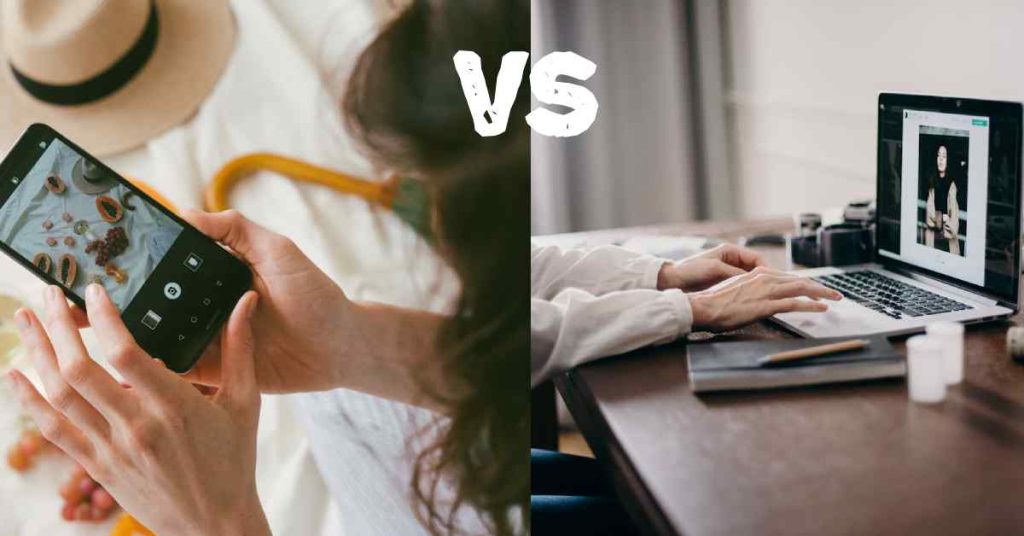
In today’s visually driven digital world, nearly everyone edits their photos before posting. From a casual selfie to a professional portfolio shot, editing tools shape how we see and share our visual stories. Yet, there’s a world of difference between using Instagram filters and employing professional editing techniques. Understanding that gap helps photographers, creators, and brands maintain authenticity and elevate image quality beyond surface aesthetics.
What Are Instagram Filters?

Instagram filters are pre-set image effects that instantly enhance or stylize your photos using simple, automated adjustments. They apply global changes to brightness, saturation, contrast, and hue in one click. Popular filters like Clarendon or Juno make colors pop, while Gingham creates a vintage atmosphere.
Pros of Instagram Filters:
- Fast and accessible – ideal for mobile sharing.
- Consistent color tones for branded feeds.
- Easy for beginners to enhance visual appeal.
Cons:
- Limited control over details.
- Often distorts natural color balance.
- Overuse can make images look unrealistic or overly processed.
While filters serve social media convenience, they’re not tailored for professional-grade output or brand consistency in large-scale projects like campaigns or portfolios.
What Is Professional Photo Editing?

What Is Professional Photo Editing?
Professional editing, on the other hand, involves meticulous refinement and creative control using tools such as Adobe Lightroom, Photoshop, or Capture One. Instead of automated filters, editors focus on manual enhancement that balances accuracy, mood, and storytelling.
Core elements of professional editing include:
- Color correction: Calibrating tones and balance to match lighting conditions.
- Retouching: Removing imperfections while maintaining texture realism.
- Dodging and burning: Highlighting or softening specific details for depth.
- Sharpening and clarity: Enhancing crispness without distorting natural feel.
- Presets and batch adjustments: Professionals may design custom presets tailored to brand palettes rather than using fixed filters.
Professional editing transforms raw images into works of art designed to convey emotion, realism, or brand identity.
Instagram Filters vs. Professional Editing: Key Differences
| Aspect | Instagram Filters | Professional Editing |
|---|---|---|
| Control | Automatic, one-click presets | Manual, detailed adjustments |
| Purpose | Quick visual enhancement for social media | Precision editing for artistic or commercial goals |
| Tools | In-app Instagram interface | Advanced software like Photoshop, Lightroom |
| Customization | Limited to pre-set intensity sliders | Fully customizable across color channels and exposure layers |
| Output Quality | Compressed, optimized for mobile screens | High-resolution, optimized for print and digital publication |
| Consistency | Best for quick styling | Ideal for brand coherence and portfolio-level imagery |
Professional editing is deliberate, technical, and emotionally nuanced, while filters are instant shortcuts meant for engagement-focused contexts.
Why Professional Editing Wins for Photographers and Brands
For photographers, influencers, and businesses, professional editing upholds authenticity and quality. With Instagram’s compression and algorithmic color shifts, fine details often disappear once uploaded. Professional workflows preserve these elements, ensuring texture, facial tones, and lighting remain true-to-life.
Moreover, brand storytelling—in campaigns or product shoots—relies on cohesive imagery. While Instagram filters can create trendy aesthetics, professional editing ensures consistency across platforms, from billboards to digital ads.
When to Use Each
- Use Instagram filters: For casual posts, story engagement, or quick mood adjustments on-the-go.
- Use professional editing: For client work, printed visuals, portfolios, or when accuracy and reputation depend on image integrity.
A hybrid approach can be effective—edit professionally first, then apply light filters for stylistic flair suited to social media platforms.
Final Thoughts
Instagram filters provide convenience, but professional editing represents craft. Filters make your feed cohesive; editing makes your images compelling. Both have roles in modern photography—but mastering professional editing will always set your visuals apart.
In a world where anyone can add a filter, true creativity lies in fine-tuned artistry and technical skill. The next time you scroll through perfectly toned posts, remember—the difference isn’t in the filter, it’s in the editing precision behind it.